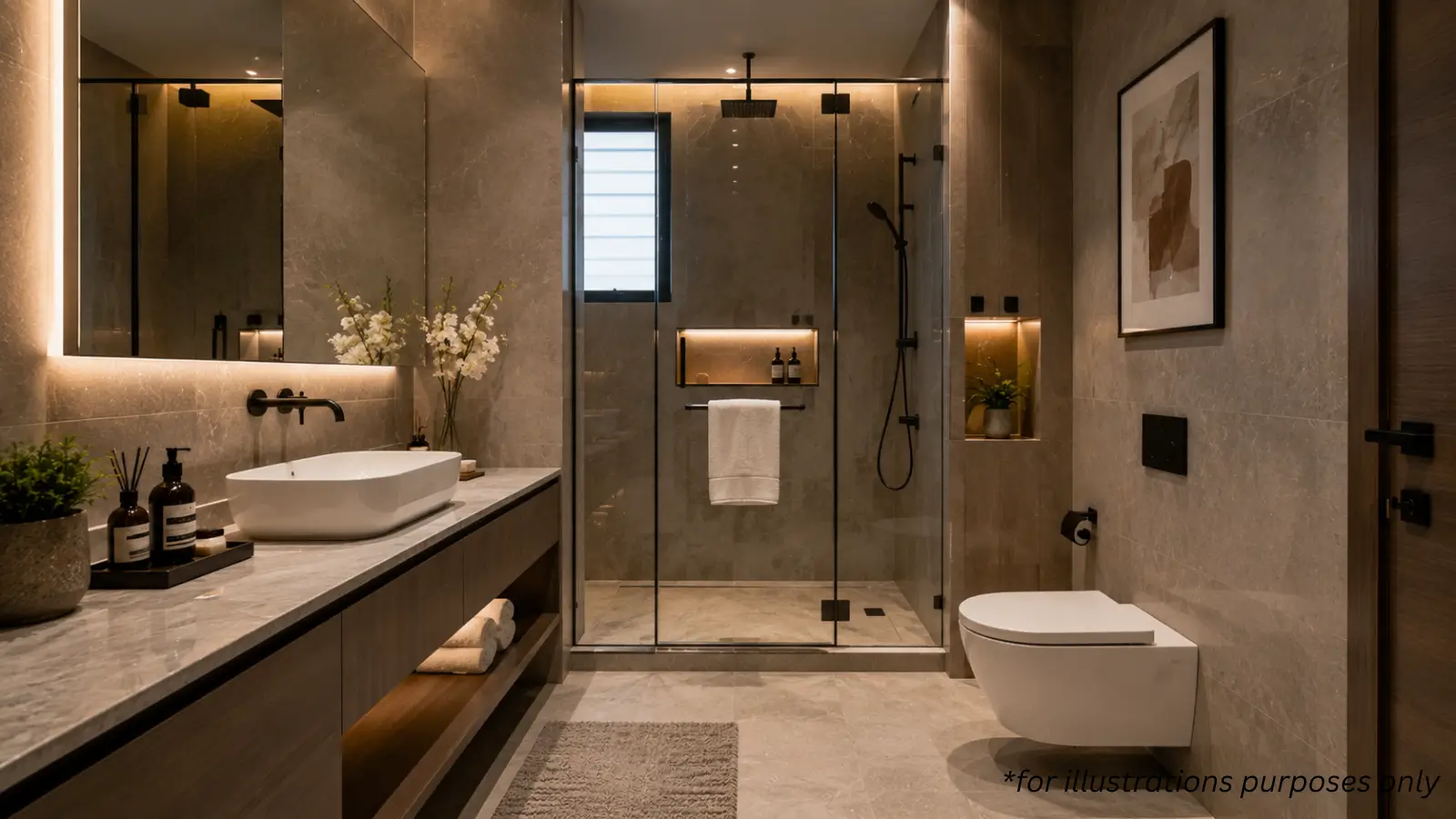
Purva Horizon smart home features: the integrated automation layer explained - lighting, climate, curtains, voice and secure access, and what to check.
Smart-home technology is easy to advertise and harder to deliver as a genuinely integrated system rather than a few app-controlled gadgets. The Purva Horizon smart home features are built in rather than bolted on, and understanding what is actually included - and what to check - helps a buyer judge the difference. This piece walks through the automation layer honestly.
An Integrated Layer, Not Add-Ons
The distinction is integration. The Purva Horizon smart home features cover lighting, fans, air-conditioning and curtains as a connected system, controlled together rather than through separate one-off devices. Home automation Purva Horizon delivers is designed into the home from the outset, which matters because a built-in system is more reliable and coherent than a patchwork of retrofitted smart plugs and bulbs. The value is in the integration, not the individual gadgets.
What You Can Control
The everyday controls are practical. Residents can manage lighting, fans, air-conditioning and curtains, with voice control and occupancy-based lighting that responds as you move through the home. These smart home apartments Bangalore increasingly expect, but the usefulness lies in the specifics - being able to set a scene, adjust the climate by voice, or have lights respond to presence turns automation from a novelty into a genuine daily convenience rather than a gimmick you stop using after a month.
Security and Access
Automation extends to the door. The Purva Horizon smart home features include digital door locks and a video door phone with a screen, so a resident can see and manage who is at the door, and control access without a physical key. For frequent travellers and NRI owners in particular, this control over entry - part of the wider home automation Purva Horizon provides - is a practical security benefit, not just a convenience, since it lets a home be managed even from a distance.
Connectivity as Foundation
Smart homes need a reliable backbone. A dedicated Wi-Fi router point in every home underpins the automation, giving the connected systems a stable network to run on. This foundational detail is easy to overlook but essential - smart home apartments Bangalore buyers value only work well when the connectivity beneath them is robust, and building in a dedicated network point per home reflects a system designed to function reliably rather than to demo well.
The Honest Caveats
Technology dates, and that is worth acknowledging. Smart-home systems evolve quickly, and what is current at handover will age, so a buyer should ask about upgradability and the standards used rather than assume permanence. Integration quality also varies with execution. The Purva Horizon smart home features are a genuine, built-in advantage, but a buyer should treat them as a well-designed current system rather than a future-proof guarantee, and confirm the specifics in the agreement.
How to Verify
Check the system rather than the brochure. Ask for the automation specification in writing, confirm which features are standard and fixed in the agreement, and where possible see the system demonstrated at the developer's completed work or experience centre. Home automation Purva Horizon promises should be verified as delivered, installed features - the automation is a real strength precisely because it is built in, and a buyer confirms that by checking the specification rather than the marketing.
In short, Purva Horizon delivers an integrated smart-home layer - lighting, fans, AC, curtains, voice control, digital locks and a video door phone on a dedicated network. Treat it as a strong built-in current system, verified in the agreement, rather than a future-proof guarantee.
Related reading: low density living benefits.
FAQs
What smart home features does Purva Horizon offer?
An integrated layer covering lighting, fans, air-conditioning and curtains, plus voice control, occupancy lighting, digital door locks and a video door phone.Is the automation built in or added on?
Built in - designed into the home from the outset as a connected system rather than a patchwork of retrofitted smart devices.What security features are included?
Digital door locks and a screen-based video door phone, letting residents see and manage access without a physical key - useful for frequent travellers.What supports the smart-home system?
A dedicated Wi-Fi router point in every home, giving the connected systems a stable network to run on.Will the technology stay current?
Smart-home tech evolves, so what is current at handover will age. Ask about upgradability and confirm the specification in the agreement.
Related Articles

How the Startup Ecosystem Shapes Bangalore Real Estate
Bangalore startup real estate impact: how the startup ecosystem shapes housing demand and the high end, weighed with caution about a volatile sector.

Government Infrastructure Push and Bangalore Property Values
Bangalore infrastructure real estate impact: how the government's metro, PRR and road push lifts northern property values, weighed honestly.

Bangalore's IT Economy and Its Pull on North Bangalore Housing
Bangalore IT economy real estate: how the city's vast tech workforce pulls housing demand to the north, and how durable that connection is.

SEZs and Business Parks: Their Effect on North Bangalore Prices
SEZ impact North Bangalore real estate: how business parks like Manyata lift nearby prices and rents, and where the concentration risk lies.